Redesigning the Virtual Classroom

Redesigning the Virtual Classroom

Role

Sole designer

UX Research, Product Design, Interaction Design, User Interviews

Timeline

August 2025 - Present

Team

1 Product Manager

1 Engineer

What is Pencil Spaces?

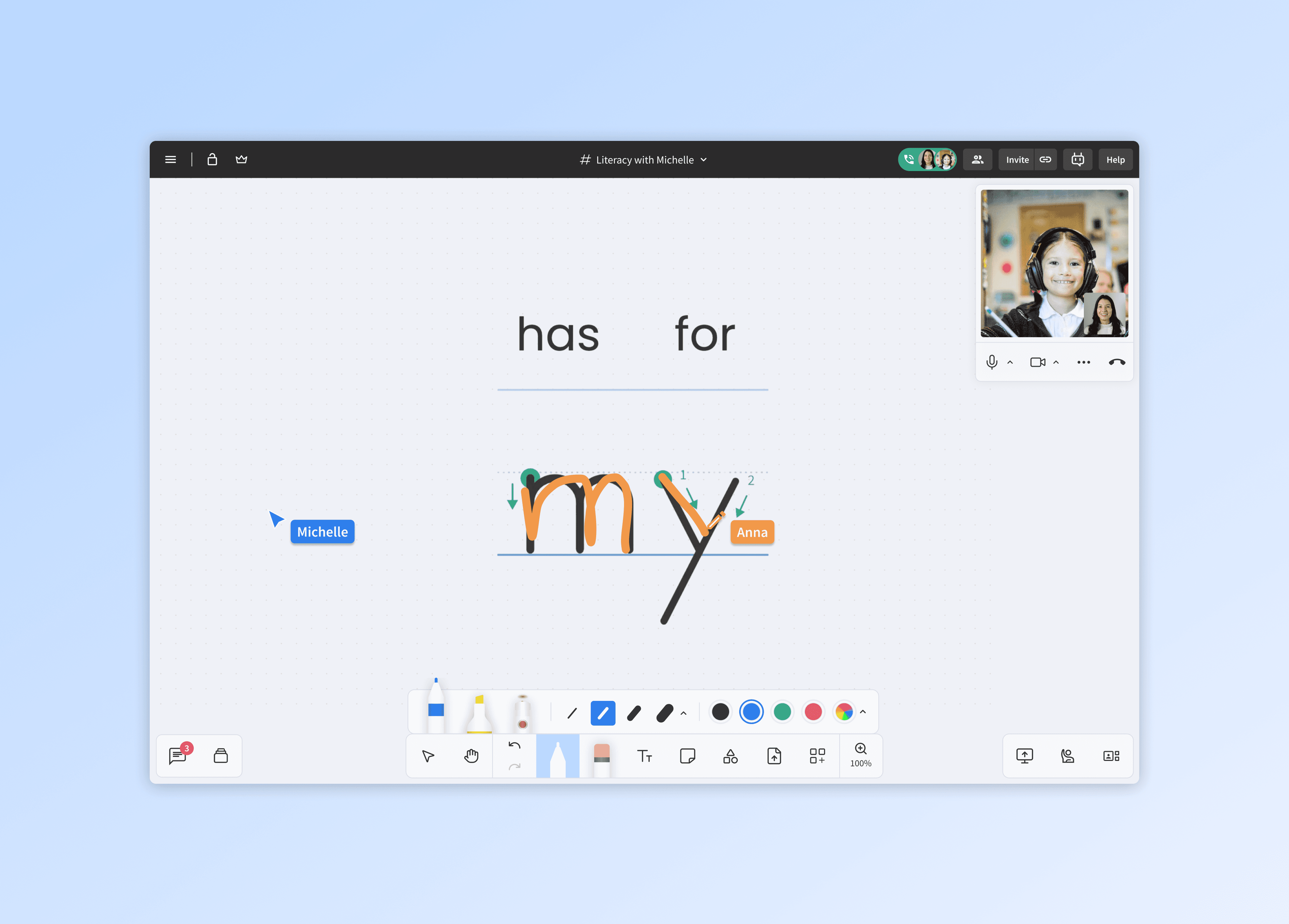
Pencil Spaces is a startup building an all-in-one workspace for education, combining virtual classrooms and administrative tools into a single platform. With the team, we've achieved on average of 10,000+ DAU.
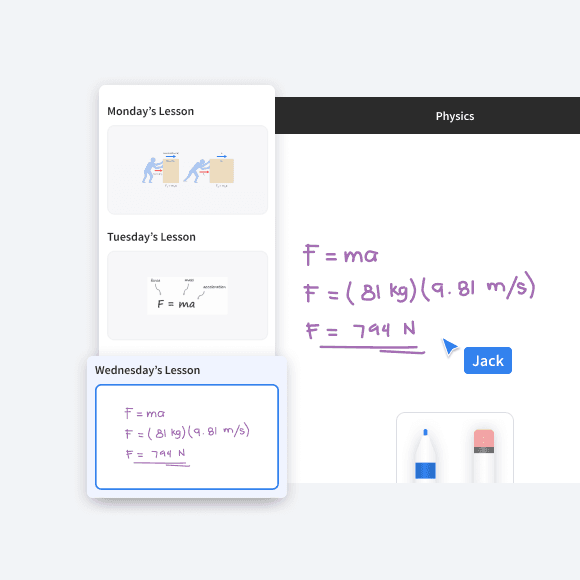
Whiteboard
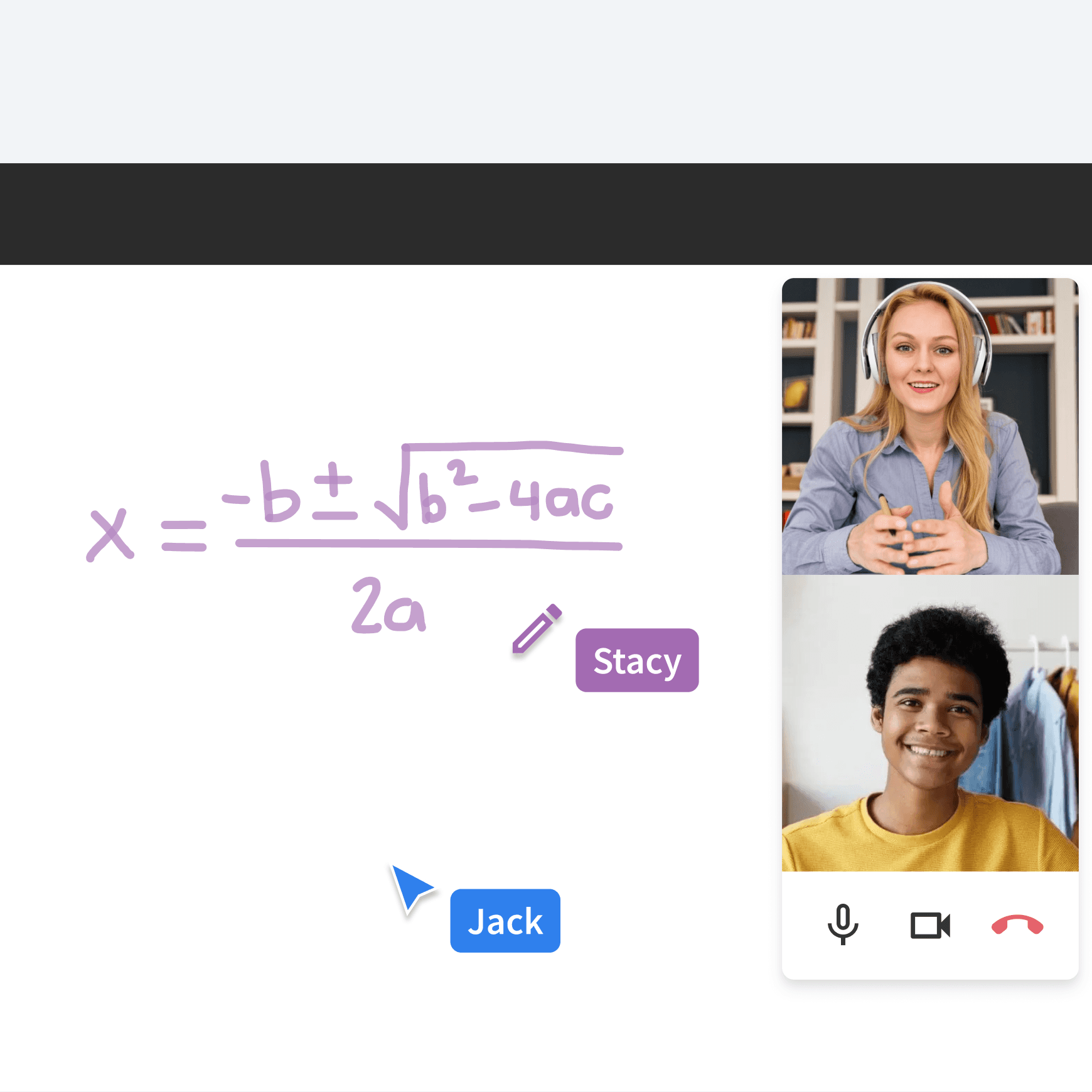
Video Calling
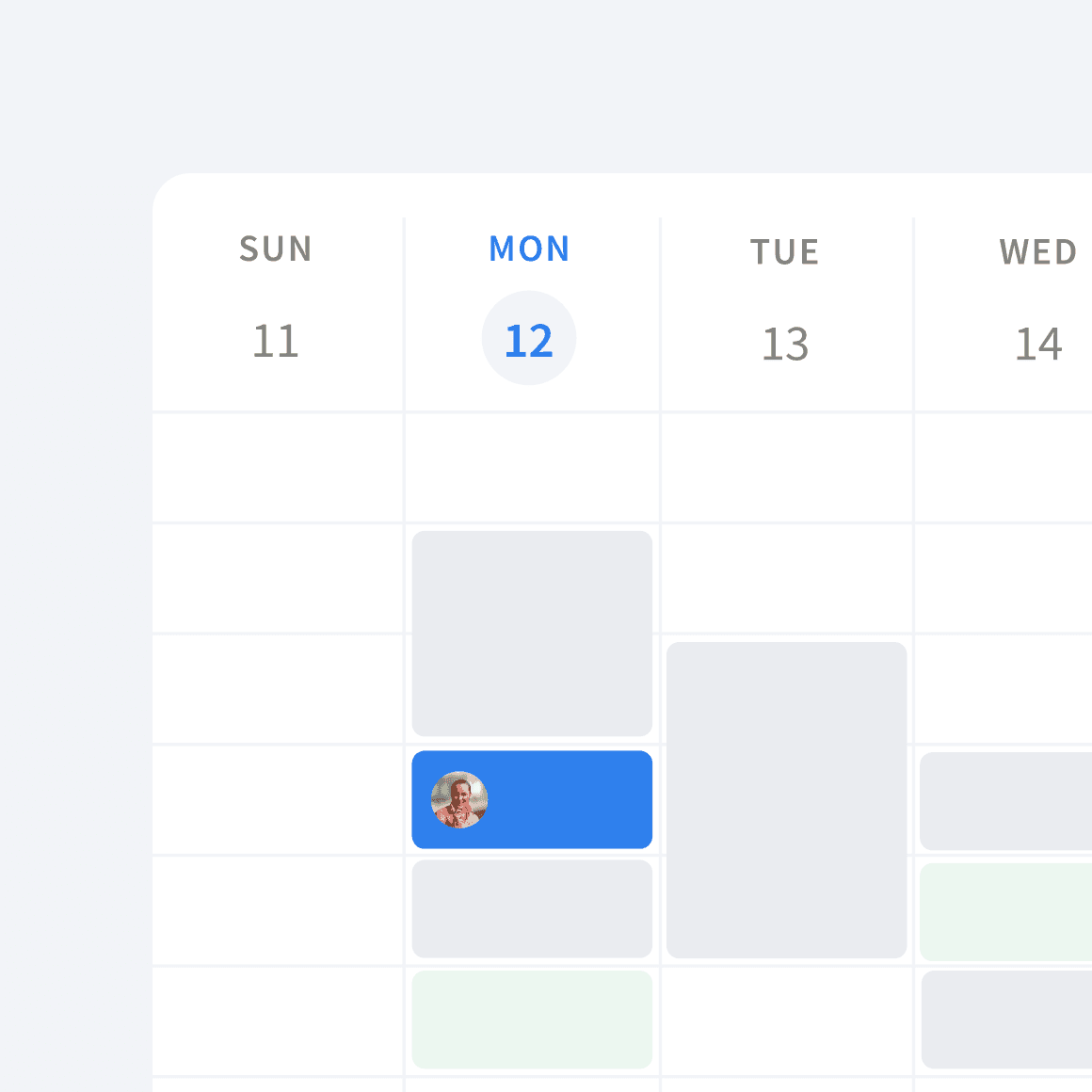
Scheduling and Analytics

My Role

I joined Pencil Spaces in January 2025 as the sole product designer. The scope of my role is ever-changing as I lead the design direction of the product system, building out screens, and working with the engineering team, as well as being responsible for the branding and marketing needs for the startup.

Problem

New users have trouble discovering and using the tools available to them

People who know Pencil Spaces love it. But years of growing the platform feature by feature left it feeling cluttered. The platform was powerful but was too overwhelming for new users to get adopted.

Current State

No clear information architecture

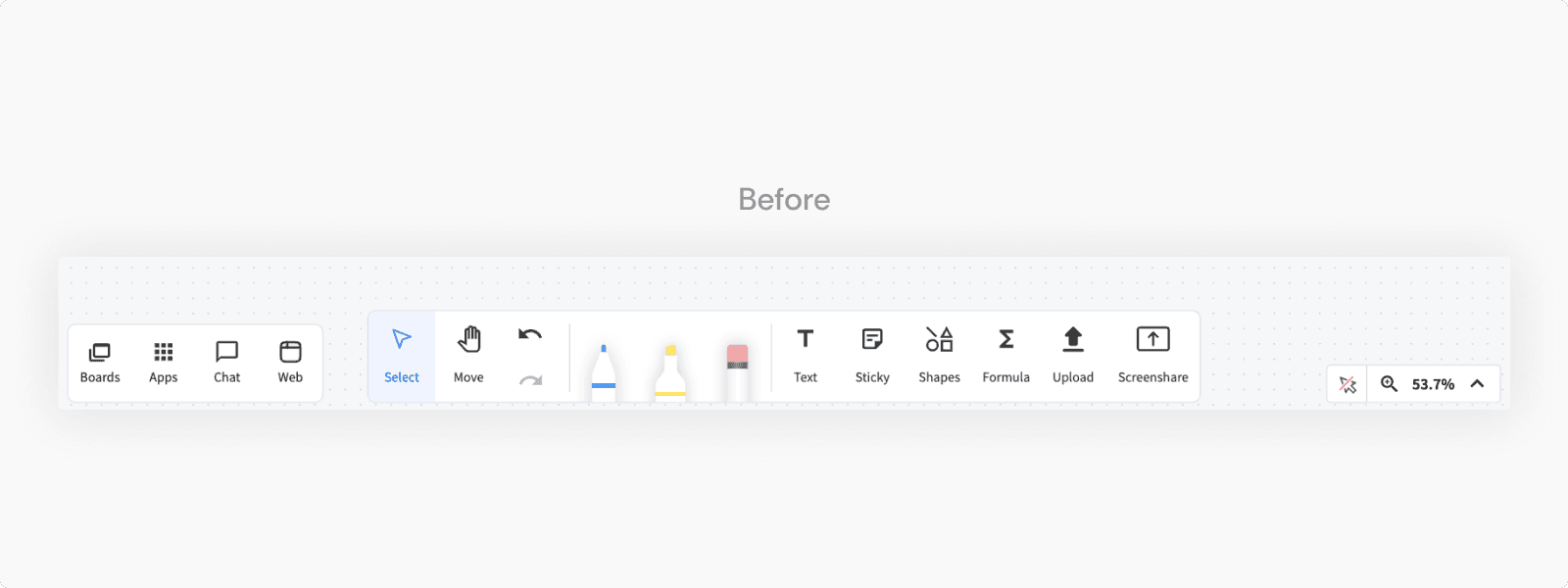
Content tools are scattered across the interface and grouped alongside video calling controls like screenshare, conflating two distinct workflows. With over a dozen buttons displayed simultaneously, every element competes for attention equally, creating cognitive load for users trying to find what they need during a lesson.

Strategy

Long-term vs Short-term

Pencil Spaces also lacked in-product onboarding. Tutorial videos exists they were outdated and based on a prior version of the UI. Given that the core issues ran deep in the product's structure, the team prioritized redesigning the tools and information architecture first, choosing to build an onboarding flow on top of a resolved foundation rather than designing around a broken one.

Solution

Redesigning the Classroom Tools

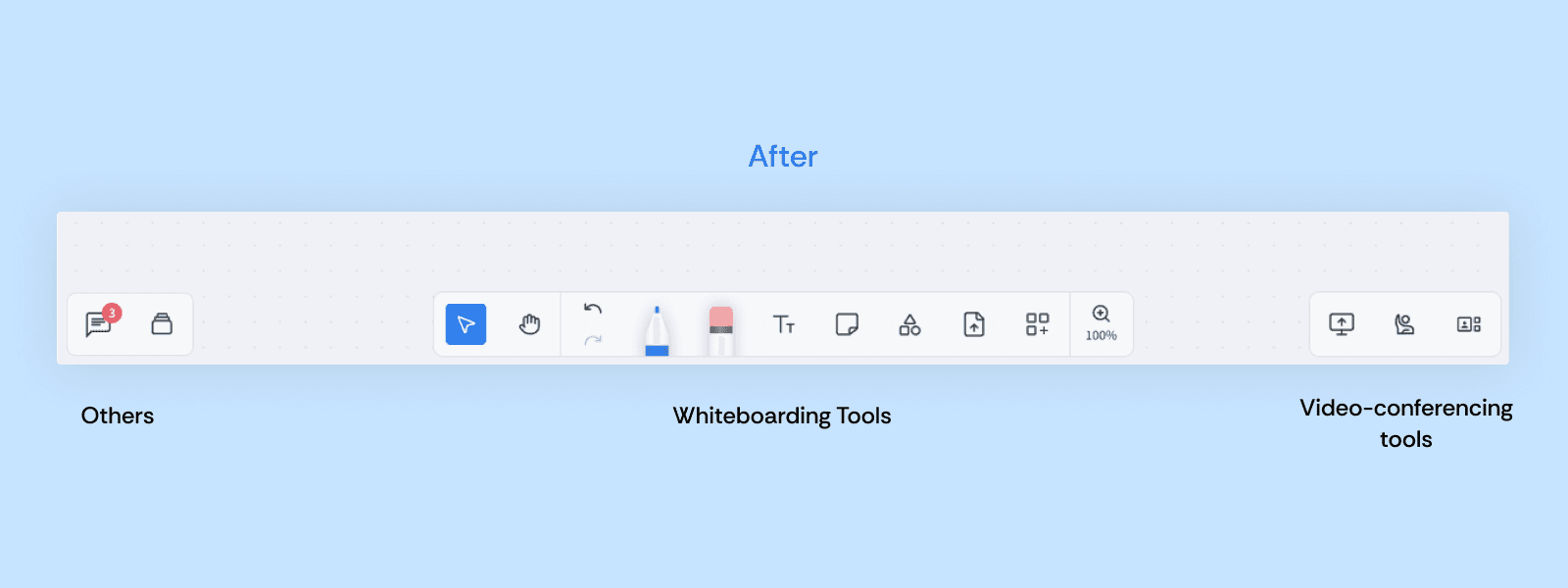
1/ Bottom bar categorized by use

Tools are now categorized by use: whiteboarding in the center, video conferencing on the right, navigation on the left. Labels removed and icons refreshed, leaving the interface feeling lighter and more focused.

Not only did the I improve categorization, the pen tools also got a new refreshed look!

2/ Video controls simplified and reorganized

Reduced from 7 buttons to 4, with controls grouped by context so related settings are easier to find, and the overflow menu is no longer a catch-all.

3/ A tablet and mobile friendly experience

Mobile and tablet were treated as secondary, with little dedicated design. I updated experience introducing a bottom bar to switch between a full call view and a focused whiteboard mode. In whiteboard mode, the video call shrinks to a floating tile showing the active speaker, freeing up screen space. The whiteboard itself offers two modes, annotate and view, accounting for the smaller surface area compared to desktop.

4/ Enhancing the visuals of the classroom elements

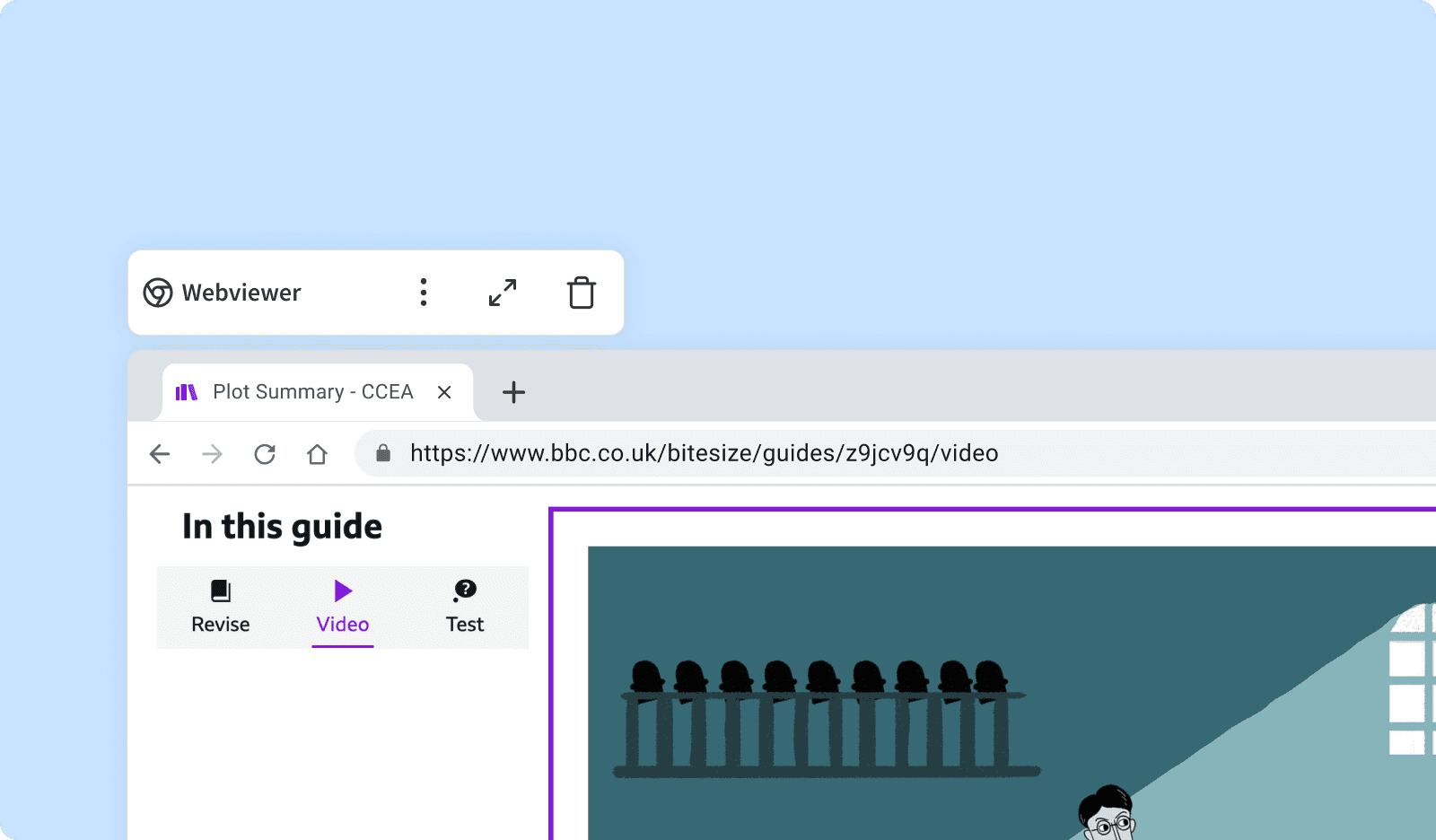
Application Context Menus

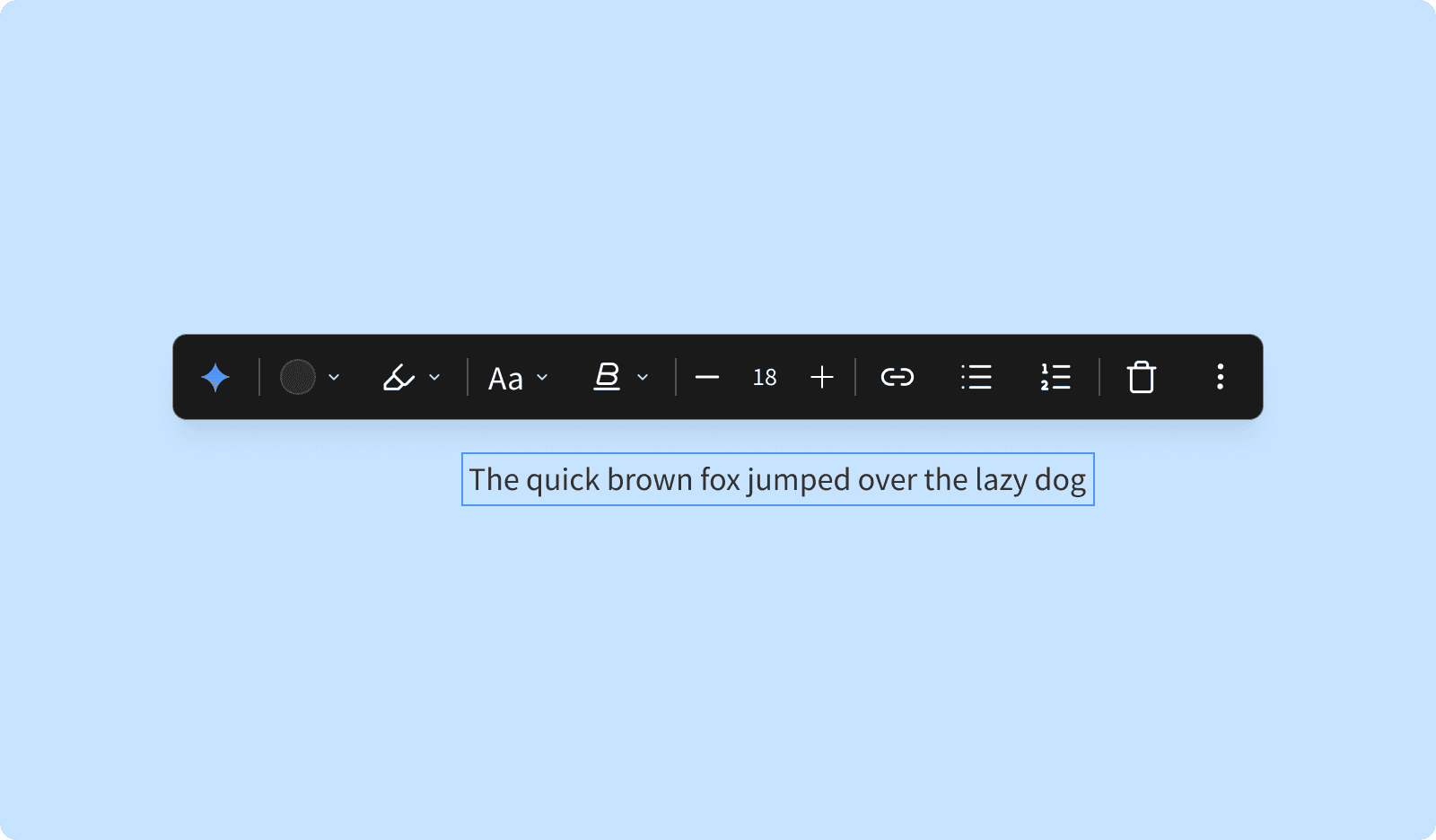
Object Context Menus

Short term solution

Implementing this takes a long time.. What about now?

The redesign would take time to ship, but new users were arriving every day that we couldn't ignore. In the interim, I partnered with our video editor (shoutout Michael!) to direct and produce updated onboarding videos reflecting the current UI. I also worked closely with engineers to identify and resolve 20+ usability issues, focusing on low-hanging fruit around tool navigation and the new user getting started experience.

Impact

How did this project help the business and users?

Structured features around information architecture and user's mental models

The redesigned architecture became the foundation for all future feature development, giving every new capability a logical home in the product.

Increased user adoption

The redesign directly influenced 3 major enterprise education pilots, with stakeholders citing the product experience as a deciding factor.

Majorly positive feedback from users

Users described the updated experience as seamless, a direct contrast to the overwhelm that defined the previous interface.

This is an overview of the project

If you'd like to see the full process, feel free to reach out at jovinaajuana@gmail.com.

Thanks for stopping by!

Want to learn more? I’m more than happy to chat - let’s connect!

Thanks for stopping by!

Want to learn more? I’m more than happy to chat - let’s connect!